PSEB 6th Class Syllabus 2027 Computer Science
Finished viewing? Save it for later —
Download PSEB 6th Class Syllabus 2027 Computer Science (PDF · 3 pages)About PSEB 6th Class Syllabus 2027 Computer Science
PSEB 6th Class Syllabus 2027 Computer Science is available here for free download. Published by Punjab Board for Class 6, this syllabus can be viewed online or downloaded as a PDF (3 pages). Candidates preparing for Class 6 can use PSEB 6th Class Syllabus 2027 Computer Science to understand the exam pattern, the type of questions asked, and the overall difficulty level.
Frequently Asked Questions
How can I download PSEB 6th Class Syllabus 2027 Computer Science?
Open this page and click the Download button to save PSEB 6th Class Syllabus 2027 Computer Science as a PDF. It is completely free on AglaSem Docs.
Is PSEB 6th Class Syllabus 2027 Computer Science free to download?
Yes. PSEB 6th Class Syllabus 2027 Computer Science can be viewed online and downloaded as a PDF free of cost on AglaSem Docs.
How many pages does PSEB 6th Class Syllabus 2027 Computer Science have?
PSEB 6th Class Syllabus 2027 Computer Science contains 3 pages, which you can read online or download together as a single PDF.
Where can I find more Class 6 study material?
You can find more Class 6 question papers, sample papers, syllabus, and answer keys on AglaSem Docs.
PSEB 6th Class Syllabus 2027 Computer Science – Text
Read the full text of this syllabus below — useful to quickly search, copy and reference the content online without downloading the PDF.
📄 View text version (4 pages)
Page 1
PSEB 6th Class
Syllabus 2027
Computer Science
EXAM YEAR TYPE SUBJECT
Punjab Class 6 2027 Syllabus Computer Science
Notes · Sample Papers · Previous Year Papers · Mock Tests
Page 2
m .co
e m
em l a s
s COMPUTER SCIENCEg
a
CLASS VI
(Session 2026-27)
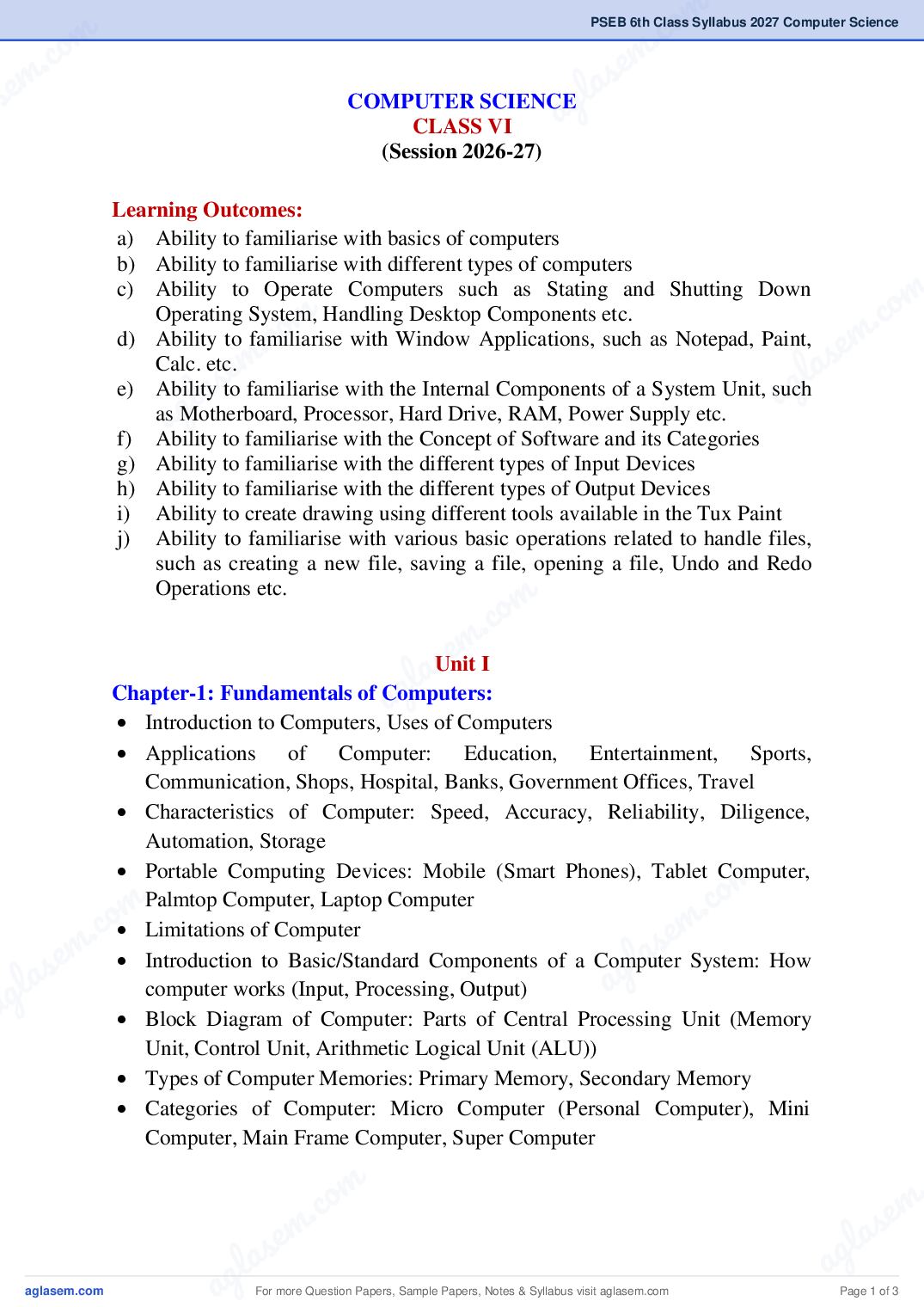
Learning Outcomes:
a) Ability to familiarise with basics of computers
b) Ability to familiarise with different types of computers
m
c) Ability to Operate Computers such as Stating and Shutting Down
m
co m
Operating System, Handling Desktop Components etc.
m . s e
la
d) Ability to familiarise with Window Applications, such as Notepad, Paint,
s e g
a
Calc. etc.
l a
ag
e) Ability to familiarise with the Internal Components of a System Unit, such
as Motherboard, Processor, Hard Drive, RAM, Power Supply etc.
f) Ability to familiarise with the Concept of Software and its Categories
g) Ability to familiarise with the different types of Input Devices
h) Ability to familiarise with the different types of Output Devices
i) Ability to create drawing using different tools available in the Tux Paint
j) Ability to familiarise with various basic operations related to handle files,
such as creating a new file, saving a file, opening a file, Undo and Redo
m
Operations etc.
s emI
g la
Unit
a
Chapter-1: Fundamentals of Computers:
Introduction to Computers, Uses of Computers
Applications of Computer: Education, Entertainment, Sports,
Communication, Shops, Hospital, Banks, Government Offices, Travel
Characteristics of Computer: Speed, Accuracy, Reliability, Diligence,
Automation, Storage
m
co
Portable Computing Devices: Mobile (Smart Phones), Tablet Computer,
m .
c. o m
Palmtop Computer, Laptop Computer
em
Limitations of Computer
las Introduction to Basic/Standard Components of a Computer System: How
a g
ag computer works (Input, Processing, Output)
Block Diagram of Computer: Parts of Central Processing Unit (Memory
Unit, Control Unit, Arithmetic Logical Unit (ALU))
Types of Computer Memories: Primary Memory, Secondary Memory
Categories of Computer: Micro Computer (Personal Computer), Mini
Computer, Main Frame Computer, Super Computer
ag For more Question Papers, Sample Papers, Notes & Syllabus visit Page 1 of 3
Page 3
Chapter 3: Intro to Tux Paint:
Introduction to Tux Paint, Features of Tux Paint
Opening and Saving a file in Tux Paint
Main Screen Interface: Left Side: Toolbar, Middle Area: Drawing Canvas,
Right Side: Selector, Lower Side: Colors (Color options: Color Picker,
Rainbow Palette, Color Mixer), Bottom Side: Help Area.
Chapter 4: Working with tools of Tux Paint:
Different Tools in Tux Paint (Drawing Tools: "Stamp" Tool (Rubber
Stamps), "Lines" Tool, "Shapes" Tool, "Text" and "Label" Tools, "Fill"
Tool, "Magic" Tool (Special Effects), "Eraser" Tool,
Other Commands & Controls: "Undo" and "Redo" Commands, "New"
Command, "Open" Command, "Save" Command, "Print" Command,
"Slides" Command (under "Open"), "Quit" Command, Sound Muting
Unit III
Chapter 2: Working with Computer Systems:
Operating System: Windows, DOS, Android
Starting Computer System: Powering On, Logging In
Desktop and Its Components: Icons (My Computer, Network, Recycle Bin,
User’s Files), Shortcuts, Wallpaper, Changing Wallpaper, Taskbar (Start
Button, Quick launch Bar, System Tray, Notification Area, Clock, Active
Programs)
Working with Windows Applications and text editor: Notepad, WordPad,
Paint, Calculator, Using Run Box, Search Box of Start Menu
Shutting Down Computer System: Sleep, Shut Down, Log Off, Restart
Chapter 5: Computer Hardware and Software:
Hardware: Features of Hardware, System Unit (CPU), Motherboard (Hard
Drive, Video Card, Processor, FAN, RAM slot, Power Supply, CD/DVD),
Important points for taking care of Hardware
What is Software? Definition
Types of Software - System software, Application Software
Difference between System Software and Application Software.
Relationship between Hardware & Software
For more Question Papers, Sample Papers, Notes & Syllabus visit Page 2 of 3
Page 4
m .co
e m
em l a s
s Unit IV
a g
Chapter 6: Input Devices:
Input devices, Uses of Input Devices
Keyboard, Different types of keys on Keyboard, Mouse and its buttons,
Mouse pad, Microphone, Scanner, Web Camera, Touch Pad, Bar Code
m
Reader, Light Pen, Joy Stick, Touch Screen, Biometric, Electronic Signature
m
.co m
Pad
m s e
e la
Chapter 7: Output Devices:
a s
Output Devices, Types of output devices
l a g
ag
Monitor (Cathode-Ray Tube (CRT), Flat- Panel Display), Printer (Dot
matrix Printer, Inkjet Printer, Laser Printer), Speaker, Headphone, Plotter,
Projector
Difference between Input & Output Devices
m
c. o Practical Activities
s em or Record File:
gla System
Suggested Practical List for Lab Exercises
i. Powering On, Logging InaComputer
ii. Opening (Using Icons or Shortcuts) & Closing Programs
iii. Change Wallpapers
iv. Change Screen Savers
v. Working with Taskbar
vi. Opening Common Windows Applications using Run Box
m
co
vii. Working with Calculator
m .
c. o m
viii. Log Off, Restarting and Shutting Down Computer System
em
ix. How to Start Tux Paint?
las x. Opening and Saving Files in Tux Paint
a g
ag xi. Use of Different Tools in Tux Paint: Rubber Stamps, Lines, Shapes, Text,
Labels, Fill, Magic, Eraser
xii. Working with Color Options in Tux Paint
xiii. Use of Undo & Redo Commands
xiv. Print Command in Tux Paint
xv. How to Close Tux Paint
ag For more Question Papers, Sample Papers, Notes & Syllabus visit Page 3 of 3