PSEB 11th Class Syllabus 2027 Computer Science
Finished viewing? Save it for later —
Download PSEB 11th Class Syllabus 2027 Computer Science (PDF · 4 pages)About PSEB 11th Class Syllabus 2027 Computer Science
PSEB 11th Class Syllabus 2027 Computer Science is available here for free download. Published by Punjab Board for Class 11, this syllabus can be viewed online or downloaded as a PDF (4 pages). Candidates preparing for Class 11 can use PSEB 11th Class Syllabus 2027 Computer Science to understand the exam pattern, the type of questions asked, and the overall difficulty level.
Frequently Asked Questions
How can I download PSEB 11th Class Syllabus 2027 Computer Science?
Open this page and click the Download button to save PSEB 11th Class Syllabus 2027 Computer Science as a PDF. It is completely free on AglaSem Docs.
Is PSEB 11th Class Syllabus 2027 Computer Science free to download?
Yes. PSEB 11th Class Syllabus 2027 Computer Science can be viewed online and downloaded as a PDF free of cost on AglaSem Docs.
How many pages does PSEB 11th Class Syllabus 2027 Computer Science have?
PSEB 11th Class Syllabus 2027 Computer Science contains 4 pages, which you can read online or download together as a single PDF.
Where can I find more Class 11 study material?
You can find more Class 11 question papers, sample papers, syllabus, and answer keys on AglaSem Docs.
PSEB 11th Class Syllabus 2027 Computer Science – Text
Read the full text of this syllabus below — useful to quickly search, copy and reference the content online without downloading the PDF.
📄 View text version (5 pages)
Page 1
PSEB 11th Class
Syllabus 2027
Computer Science
EXAM YEAR TYPE SUBJECT
Punjab Class 11 2027 Syllabus Computer Science
Notes · Sample Papers · Previous Year Papers · Mock Tests
Page 2
m .co
c. o
e m
em l a s
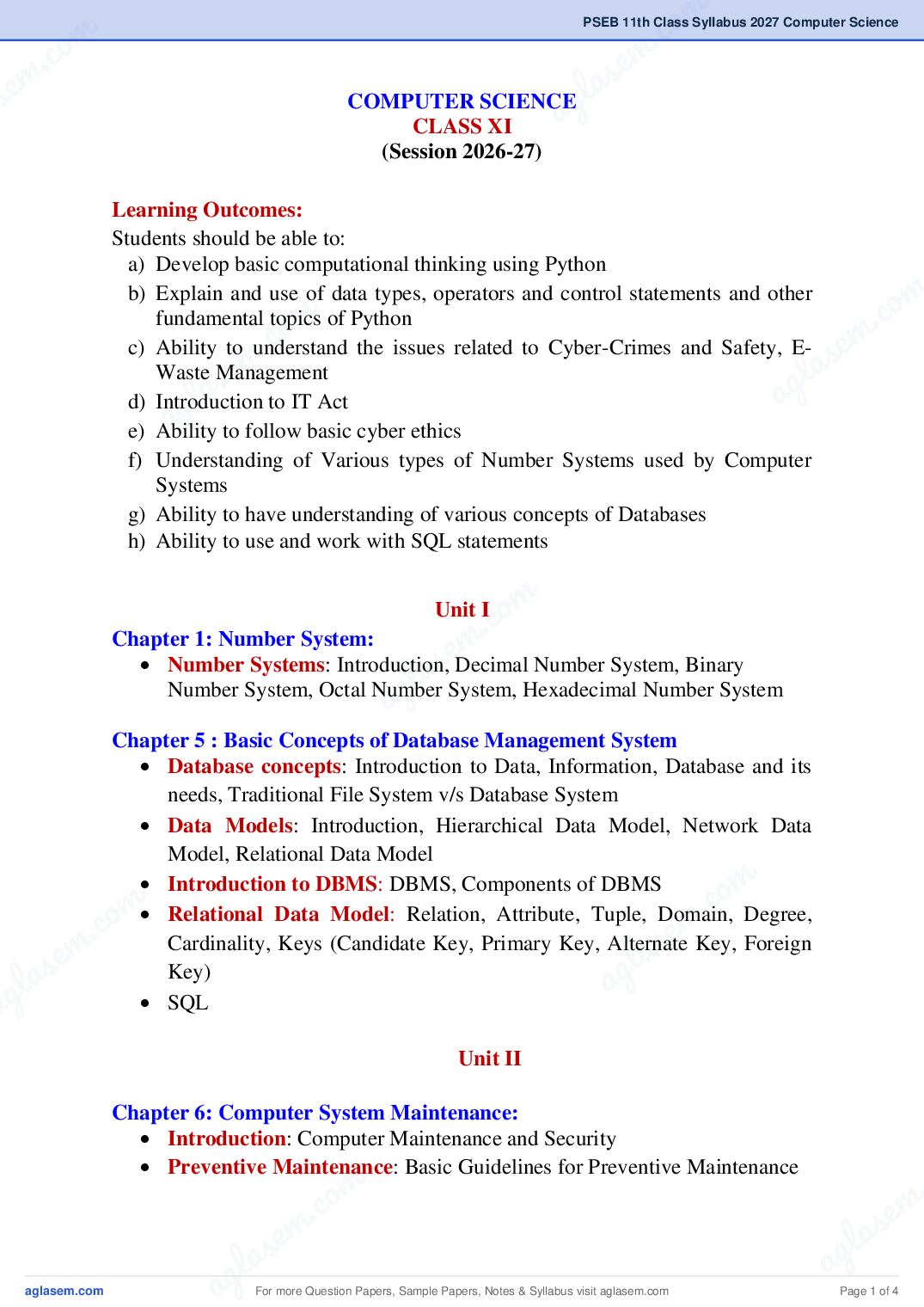
s COMPUTER SCIENCEg
a
CLASS XI
(Session 2026-27)
Learning Outcomes:
Students should be able to:
a) Develop basic computational thinking using Python
m
m c. o
b) Explain and use of data types, operators and control statements and other
.co e m
fundamental topics of Python
em
c) Ability to understand the issues related to Cyber-Crimes and Safety, E-
la s
l a s
Waste Management
a g
ag
d) Introduction to IT Act
e) Ability to follow basic cyber ethics
f) Understanding of Various types of Number Systems used by Computer
Systems
g) Ability to have understanding of various concepts of Databases
h) Ability to use and work with SQL statements
o m
. c Unit I
m
eDecimal Number System, Binary
s
Chapter 1: Number System:
la System, Hexadecimal Number System
Number Systems: Introduction,
a g
Number System, Octal Number
Chapter 5 : Basic Concepts of Database Management System
Database concepts: Introduction to Data, Information, Database and its
needs, Traditional File System v/s Database System
Data Models: Introduction, Hierarchical Data Model, Network Data
m
Model, Relational Data Model
m co
Introduction to DBMS: DBMS, Components of DBMS
c. o m .
se
Relational Data Model: Relation, Attribute, Tuple, Domain, Degree,
s em Cardinality, Keys (Candidate Key, Primary Key, Alternate Key, Foreign
g la
gla Key)
a
a SQL
Unit II
Chapter 6: Computer System Maintenance:
Introduction: Computer Maintenance and Security
m .
Preventive Maintenance: Basic Guidelines for Preventive Maintenance
.co s e m
e m l a
l a s a g
ag For more Question Papers, Sample Papers, Notes & Syllabus visit Page 1 of 4
Page 3
Mode, How to Fix Your PC in Safe Mode-Scan for Malware, Run System
Restore, Uninstall Recently Installed Software, Update Hardware Drivers,
To check system crashes
Installation of Device Drivers: Download the drivers manually, How to
install the driver; Plug and Play Hardware Installation
Type of Ports: Serial Port, Parallel Port, PS/2 Port, Universal Serial Bus
(or USB) Port, VGA Port, Power Connector, Modem Port. Ethernet Port.
Digital Video Interface, DVI port
PC Security Tools: Importance of PC Security tools
Software Update and Upgrade
Introduction to Windows Operating Systems: Windows 10, Windows
8.1, Windows 7
Installation of Python (GUI), IDEs
Control Panel: Display Properties, Mouse and Keyboard, Date and
Time, Devices and Printers, Regional Settings, Fonts
Utility Programs: File Compression tools, Disk Defragmentation, Disk
Clean-up, Backup and Restore
Shutting Down Options: Switch User, Log Off, Lock Screen, Restart,
Sleep, Hibernate, Shut Down or Turn Off
Chapter 7: Cyber Security and Ethics
Cyber-Crime: Definition, Hacking, Spying (Eavesdropping), Phishing
and Fraud Emails, Ransomware, Preventing Cyber Crime
Cyber Safety: Safely Browsing the Web, Identity Protection,
Confidentiality, Cyber Trolls and Bullying
Safely Accessing Web Sites: Adware, Malware, Viruses, Trojans,
Phishing and Identity Verification
E-Waste Management: Proper disposal of used Electronic Gadgets
IT Act: Indian Information Technology Act (IT Act) 2000
Unit-III
Chapter 2: Basic Concepts of Python Programming:
Basic concepts for Python Programming: Python Character Set, Python
Tokens (Keyword, Identifier, Literal, Operator, Punctuator), Variables,
Concept of L-Value and R-Value, Use of Comments
For more Question Papers, Sample Papers, Notes & Syllabus visit Page 2 of 4
Page 4
m .co
c. o
e m
m a s
se a g
Chapter 3: Data Types, Operators and Expressions lin Python:
Data Types: Number (Integer, Floating Point, Complex), Boolean,
Sequence (String, List, Tuple), None, Mapping (Dictionary), Mutable and
Immutable Data Types
Operators: Arithmetic Operators, Relational Operators, Logical
Operators, Assignment Operator, Augmented Assignment Operators,
m
c. o
Identity Operators (is, is not), Membership Operators (in, not in)
m
co
Expressions, Statement, Type Conversion & Input/Output:
. e m
m la s
Precedence of Operators, Expression, Evaluation of Expression, Python
s e g
l a a
Statement, Type Conversion (Explicit & Implicit Conversion), Accepting
ag
Data as Input from the Console and Displaying Output
Unit IV
Chapter4: Control Statements in Python:
m
Introduction: Use of Indentation, Sequential Flow, Conditional and
. co
Iterative Flow control
em
Conditional Statements: if, if-else, if-elif-else, Flowcharts, Simple
l a s
Programs: e.g.: absolute value, largest of 2 and 3 numbers, finding
divisibility of numbers etc
a g
Iterative Statements: for loop, Range Function, while loop, Flowcharts,
break and continue statements, nested loops, Suggested Programs:
Generating Pattern, Summation of series, Finding the Factorial of a
positive number etc
m
co
Practical Activities
m .
c. o m
Python Programming
em se
Input a welcome message and display it.
s
Input two numbers and display the larger / smaller number
g la
gla Input three numbers and display the largest / smallest number. a
a Generate the following patterns using nested loops:
m .
.co s e m
e m l a
l a s a g
ag For more Question Papers, Sample Papers, Notes & Syllabus visit Page 3 of 4
Page 5
following series:
Determine whether a number is a perfect number, an Armstrong number
or a palindrome.
Input a number and check if the number is a prime or composite number.
Display the terms of a Fibonacci series.
Compute the greatest common divisor and least common multiple of two
integers.
Project
The aim of the class project is to create something that is tangible and
useful using Python. This should be done in groups of five to six students
and should be started by students at least 3 months before the submission
deadline. The aim here is to find a real-world problem that is worthwhile
to solve.
Students are encouraged to solve general and the school level problems,
such as-create a calculator for general calculations, create a project to
solve mathematical problems like area / perimeter of circle / square /
rectangle etc., create a project to calculate the result of a student, create a
project to calculate the net bill for sale with discount, create a database to
store the student information etc. Students are also encouraged to use
comments properly in the programs.
To do some of these above-mentioned project suggestions, some
additional learning is required. This should be encouraged. Students
should know how to teach themselves.
The students should be sensitized to avoid plagiarism and violations of
copyright issues while working on projects. Teachers should take
necessary measures for this.
For more Question Papers, Sample Papers, Notes & Syllabus visit Page 4 of 4