Unicus Cyber Olympiad (UCO) Class 2 Sample Paper
Finished viewing? Save it for later —
Download Unicus Cyber Olympiad (UCO) Class 2 Sample Paper (PDF · 5 pages)About Unicus Cyber Olympiad (UCO) Class 2 Sample Paper
Unicus Cyber Olympiad (UCO) Class 2 Sample Paper is available here for free download. Published by AglaSem for Others, this sample paper can be viewed online or downloaded as a PDF (5 pages). Candidates preparing for Others can use Unicus Cyber Olympiad (UCO) Class 2 Sample Paper to understand the exam pattern, the type of questions asked, and the overall difficulty level.
Frequently Asked Questions
How can I download Unicus Cyber Olympiad (UCO) Class 2 Sample Paper?
Open this page and click the Download button to save Unicus Cyber Olympiad (UCO) Class 2 Sample Paper as a PDF. It is completely free on AglaSem Docs.
Is Unicus Cyber Olympiad (UCO) Class 2 Sample Paper free to download?
Yes. Unicus Cyber Olympiad (UCO) Class 2 Sample Paper can be viewed online and downloaded as a PDF free of cost on AglaSem Docs.
How many pages does Unicus Cyber Olympiad (UCO) Class 2 Sample Paper have?
Unicus Cyber Olympiad (UCO) Class 2 Sample Paper contains 5 pages, which you can read online or download together as a single PDF.
Where can I find more Others study material?
You can find more Others question papers, sample papers, syllabus, and answer keys on AglaSem Docs.
Unicus Cyber Olympiad (UCO) Class 2 Sample Paper – Text
Read the full text of this sample paper below — useful to quickly search, copy and reference the content online without downloading the PDF.
📄 View text version (5 pages)
Page 1
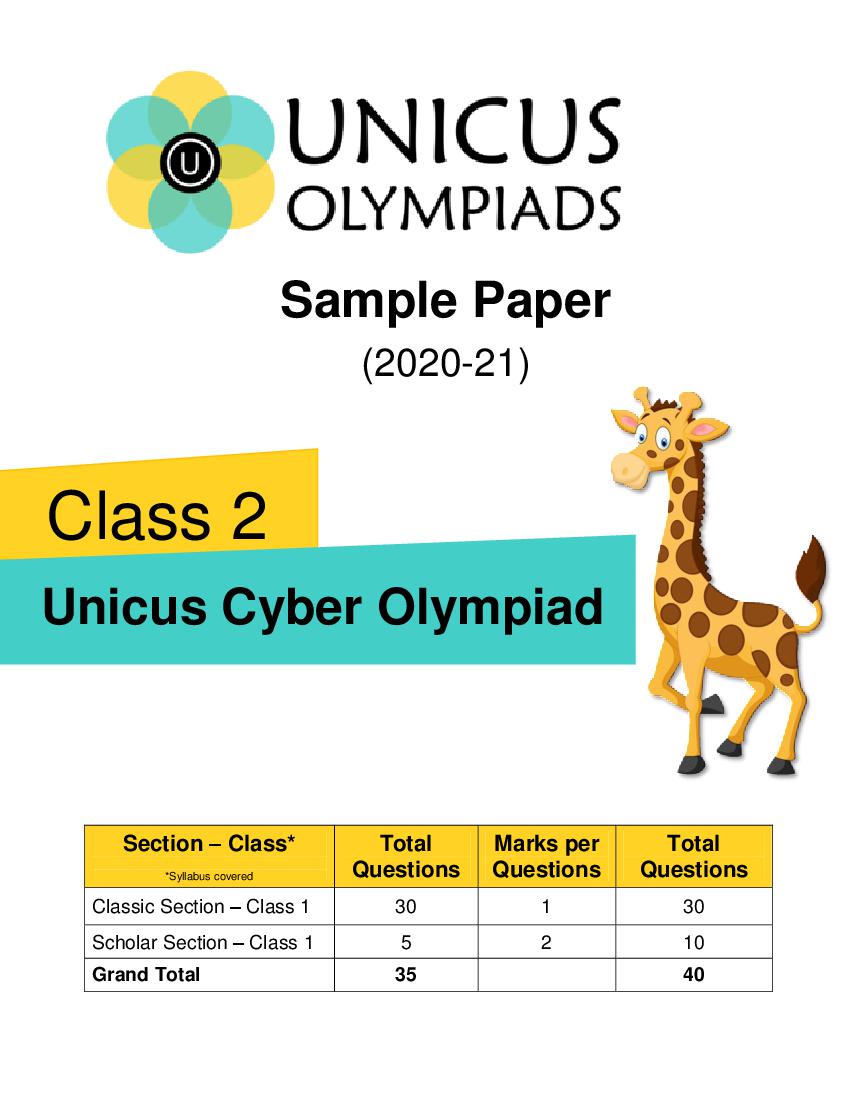
(2020-21)
Class 2
Unicus Cyber Olympiad
Section – Class* Total Marks per Total
*Syllabus covered Questions Questions Questions
Classic Section – Class 1 30 1 30
Scholar Section – Class 1 5 2 10
Grand Total 35 40
Page 2
a) b)
c) d)
Correct Answer: b 1 Mark
2. Fill in the blank:
_______ is a cursor control device used to control on-screen movement.
a) Joystick b) Keyboard
c) Plotter d) Monitor
Correct Answer: a 1 Mark
3. According to the given image, what is the name of the keys marked as A.
a) Control Keys b) Arrow Keys
c) Function keys d) Numeric keypad
Correct Answer: c 1 Mark
2
Page 3
a) b)
c) d)
Correct Answer: d 1 Mark
5. Which of the following is used with the given key to type an (*) symbol?
a) b)
c) d)
Correct Answer: a 1 Mark
6. Which of the following computer application is used to perform calculations:
a) MS-Paint b) Notepad
c) Calculator d) Camera
Correct Answer: c 1 Mark
3
Page 4
a) Facebook b) Wi-Fi
c) Hotspot d) Bluetooth
Correct Answer: b 1 Mark
8. Identify the odd one out:
a) b)
c) d)
Correct Answer: a 1 Mark
9. Choose the correct sentence:
a) UPS is the brain of the computer system
b) Plotter is used to copy an image into the computer’s memory
c) Touch Screen is an input as well as output device
d) Printer is used to scan any document
Correct Answer: c 2 Marks
4
Page 5
Column A Column B
(1) (i) Used to erase a part of an image
(2) (ii) Used to fill up a closed object
(3) (iii) Used to pick colour
a) (1) – (ii), (2) – (i), (3) – (iii) b) (1) – (ii), (2) – (iii), (3) – (i)
c) (1) – (iii), (2) – (i), (3) – (ii) d) (1) – (iii), (2) – (ii), (3) – (i)
Correct Answer: b 2 Marks
5
Document Details
| Board / Org | Aglasem |
| Exam | Others |
| Type | Sample Paper |
| Pages | 5 |
| Language | english |
| Updated | 22 Jul 2026 |