PSEB 8th Class Syllabus 2027 Computer Science
Finished viewing? Save it for later —
Download PSEB 8th Class Syllabus 2027 Computer Science (PDF · 5 pages)About PSEB 8th Class Syllabus 2027 Computer Science
PSEB 8th Class Syllabus 2027 Computer Science is available here for free download. Published by Punjab Board for Class 8, this syllabus can be viewed online or downloaded as a PDF (5 pages). Candidates preparing for Class 8 can use PSEB 8th Class Syllabus 2027 Computer Science to understand the exam pattern, the type of questions asked, and the overall difficulty level.
Frequently Asked Questions
How can I download PSEB 8th Class Syllabus 2027 Computer Science?
Open this page and click the Download button to save PSEB 8th Class Syllabus 2027 Computer Science as a PDF. It is completely free on AglaSem Docs.
Is PSEB 8th Class Syllabus 2027 Computer Science free to download?
Yes. PSEB 8th Class Syllabus 2027 Computer Science can be viewed online and downloaded as a PDF free of cost on AglaSem Docs.
How many pages does PSEB 8th Class Syllabus 2027 Computer Science have?
PSEB 8th Class Syllabus 2027 Computer Science contains 5 pages, which you can read online or download together as a single PDF.
Where can I find more Class 8 study material?
You can find more Class 8 question papers, sample papers, syllabus, and answer keys on AglaSem Docs.
PSEB 8th Class Syllabus 2027 Computer Science – Text
Read the full text of this syllabus below — useful to quickly search, copy and reference the content online without downloading the PDF.
📄 View text version (6 pages)
Page 1
PSEB 8th Class
Syllabus 2027
Computer Science
EXAM YEAR TYPE SUBJECT
Punjab Class 8 2027 Syllabus Computer Science
Notes · Sample Papers · Previous Year Papers · Mock Tests
Page 2
m .co
m .co s e m
se g l a
a
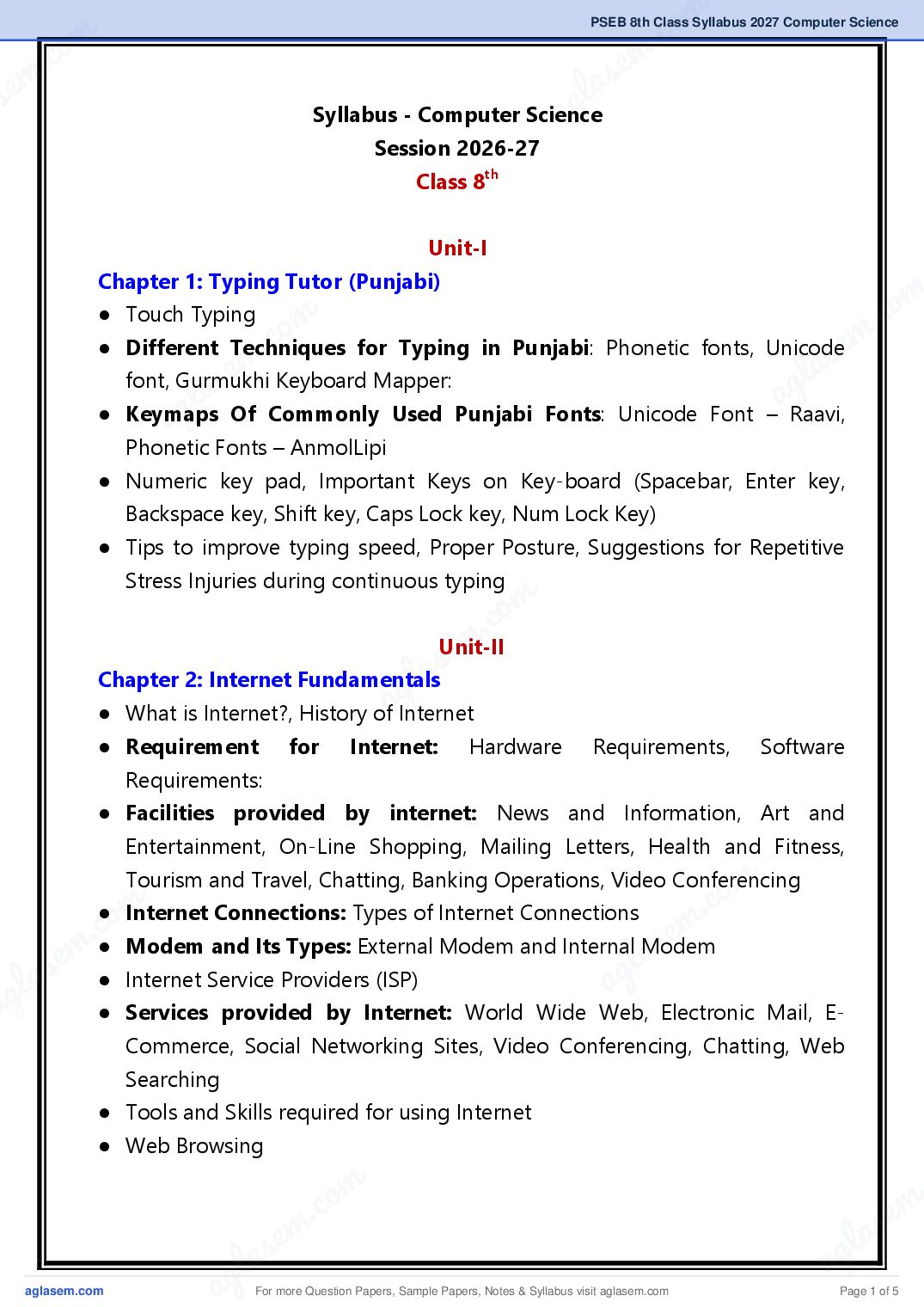
Syllabus - Computer Science
Session 2026-27
Class 8th
Unit-I
Chapter 1: Typing Tutor (Punjabi)
m
● Touch Typing
o m .co
. c for Typing in Punjabi: Phonetic fonts, Unicodeem
● Different Techniques
em Keyboard Mapper: l as
as
font, Gurmukhi
l ag
ag Of Commonly Used Punjabi Fonts: Unicode Font – Raavi,
● Keymaps
Phonetic Fonts – AnmolLipi
● Numeric key pad, Important Keys on Key-board (Spacebar, Enter key,
Backspace key, Shift key, Caps Lock key, Num Lock Key)
● Tips to improve typing speed, Proper Posture, Suggestions for Repetitive
Stress Injuries during continuous typing
m
.co
s em
Unit-II
Chapter 2: Internet Fundamentals
g la
● What is Internet?, History ofaInternet
● Requirement for Internet: Hardware Requirements, Software
Requirements:
● Facilities provided by internet: News and Information, Art and
Entertainment, On-Line Shopping, Mailing Letters, Health and Fitness,
m
.co
Tourism and Travel, Chatting, Banking Operations, Video Conferencing
m
c.●o Modem and Its Types: External Modem and Internal Modem
● Internet Connections: Types of Internet Connections
s e m
s em ● Internet Service Providers (ISP) g l a
la a
ag ● Services provided by Internet: World Wide Web, Electronic Mail, E-
Commerce, Social Networking Sites, Video Conferencing, Chatting, Web
Searching
● Tools and Skills required for using Internet
● Web Browsing
a For more Question Papers, Sample Papers, Notes & Syllabus visit Page 1 of 5
Page 3
● Information Technology: Need of Information Technology (For Business
and Industry, At home, For Training)
● Web Sites, Searching, Web Surfing, Difference Between On-Line and Off-
Line, Downloading, Net Banking, On-Line Shopping, How to View On-Line
Result, Mobile Technology
Unit-III
Chapter 4: Microsoft PowerPoint (Part I)
● Introduction to PowerPoint, What is Presentation? What is Slide? How to
Start/Open PowerPoint?
● Components of PowerPoint Window: Title Bar, Quick Access Toolbar,
Ribbon and Tabs, Outline/Slides Tabs, Slide Pane, Notes Pane, Status Bar,
View Options
● How to Create Photo-Album Presentation?
● How to Play Presentation for audience: How to Play Presentation from
the Very First Slide, How to Play Presentation from the Current Slide
● Saving and Exiting Presentation
Chapter 5: Microsoft PowerPoint (Part II)
● How to Create a New Blank Presentation: Adding Text to Slides,
Formatting Text of a Slide,
● Inserting New Slide, How to Change the Slide Layout?
● How to Change the Appearance of Slides: Working with Themes,
Changing Background Styles, Format Background (Solid Fill, Gradient Fill,
Picture or Texture Fill, Pattern Fill)
● Adding Contents to a Slide (WordArt, ClipArt, Tables, SmartArt, Pictures,
Movie/Video etc.)
● Slide View Options in PowerPoint: Normal view, Slide Sorter view,
Reading view, Slide Show view, Zoom Slider
For more Question Papers, Sample Papers, Notes & Syllabus visit Page 2 of 5
Page 4
m .co
m .co s e m
se g l a
Chapter 6: Microsoft PowerPoint (Part III) a
● Working with Transition (Effect Options, Sounds, Duration)
● Working with Animation: Animation and its types (Entrance, Emphasis,
Exit, Motion Paths), How to Apply Animation, Working with Animation
Options (Effect Options, Add Animation, Animation Pane, Animation
Painter, Timing Effects, Previewing Animations)
m
c o m
● Record Slide Show/Narration and Timings: How to Remove Narration or
m .co
Timings from a. Recorded Slide Show e
em l as
l s
● Save Presentation:
a ag
as PDF format, as a Video, as a PowerPoint Show, in
ag of Picture Files
the form
Unit-IV
Chapter 7: Generations of Computer
● Introduction to Generations
● First Generation Computers: Main features and characteristics of First
Generation, Examples of First-Generation Computer Systems
m
.co
● Second Generation Computers: Main features and characteristics of
s
Second Generation with examplesem
● Third Generation Computers:
g laMain features and characteristics of third
Generation with examples a
● Fourth Generation Computers: Main features and characteristics of
fourth Generation with examples
● Fifth Generation Computers: Main features and characteristics of fifth
Generation with examples
m
m
Chapter 8: Computer Memories
c.●o What is Memory, Memory units, Types of Memory m .co
s e
s em ● Internal Memory - CPU Registers, Cache Memory
g l a - Advantages and
g la a
a Disadvantages of cache memory, Primary/Main memory, RAM and its
types– SRAM, DRAM, ROM and its types-ROM, PROM, EPROM, EEPROM)
Characteristics of the Static and Dynamic RAM, Advantages of ROM
● External Memory: Characteristic of Secondary Memory, Sequential Access
Devices, Direct Access Devices
● Physical Structure of Magnetic disks: Tracks and Sectors
a For more Question Papers, Sample Papers, Notes & Syllabus visit Page 3 of 5
Page 5
1. Practical for Searching any topic using Google Search Engine in any Web
Browser (For Example: Open www.google.com in any web browser and
then search information about different types of Computers)
2. Practical to view the result of Punjab School Education Board classes using
internet.
3. Practical for downloading Images from internet, copying text content from
web pages and get them in the word document.
4. Practical to open PowerPoint using different ways.
5. Practical for displaying/showing information about the different
components of PowerPoint Window.
6. Prepare a Photo Album Presentation (using at least 10 photographs)
7. Practical to Save and Close the Presentation in PowerPoint
8. Create a New Blank Presentation showing different Types of Computers
using at least 5 slides (Use Text Formatting and Clip-Art/Images etc. in the
Presentation)
9. Play Presentation from first slide and current slide using slide show option
in PowerPoint.
10. Create Presentation by changing the appearance of slides with the help of
Themes/Background Styles/Format Background options in the
New/Existing Presentation.
11. Apply Transition Effects in your Presentation (Use Effect Options and
Sound Duration in your Presentation)
12. Use Different Types of Animations on Text/Images etc. added in the
New/Existing Presentation.
13. Practical for using various Animation options through Animation Pane.
14. Save Presentation in different formats (PDF, Video, Images, PowerPoint
Show)
15. Prepare a Presentation in PowerPoint showing the Different Generations of
Computers. Prepare a presentation with at least 10 slides and use Text
Formatting, Images, Transition Effects, Animation Effects in it.
For more Question Papers, Sample Papers, Notes & Syllabus visit Page 4 of 5
Page 6
m .co
m .co s em
se g la
16. Prepare a Presentation in PowerPoint thata shows Different Types Of
Computer Memories.
17. Type any essay/topic in MS Word using any Punjabi font.
Charts/Models
m
c o m m .co
● m . s e
Prepare a chart/model
Internet.as e
showing the various services provided by
g l a
the
l a
● ag a chart/model related to different Generations of Computers.
Prepare
● Prepare a chart/model showing different Types of Computer Memories.
● Prepare a chart/model showing the Physical Structure of a Magnetic Disk.
m
m .co
s e
g la
a
m
m .co
m .co s e m
s e g l a
g la a
a
a For more Question Papers, Sample Papers, Notes & Syllabus visit Page 5 of 5