WBCHSE Class 11 Syllabus for Computer Application
Finished viewing? Save it for later —
Download WBCHSE Class 11 Syllabus for Computer Application (PDF · 7 pages)About WBCHSE Class 11 Syllabus for Computer Application
WBCHSE Class 11 Syllabus for Computer Application is available here for free download. Published by West Bengal Board for Class 11, this syllabus can be viewed online or downloaded as a PDF (7 pages). Candidates preparing for Class 11 can use WBCHSE Class 11 Syllabus for Computer Application to understand the exam pattern, the type of questions asked, and the overall difficulty level.
Frequently Asked Questions
How can I download WBCHSE Class 11 Syllabus for Computer Application?
Open this page and click the Download button to save WBCHSE Class 11 Syllabus for Computer Application as a PDF. It is completely free on AglaSem Docs.
Is WBCHSE Class 11 Syllabus for Computer Application free to download?
Yes. WBCHSE Class 11 Syllabus for Computer Application can be viewed online and downloaded as a PDF free of cost on AglaSem Docs.
How many pages does WBCHSE Class 11 Syllabus for Computer Application have?
WBCHSE Class 11 Syllabus for Computer Application contains 7 pages, which you can read online or download together as a single PDF.
Where can I find more Class 11 study material?
You can find more Class 11 question papers, sample papers, syllabus, and answer keys on AglaSem Docs.
WBCHSE Class 11 Syllabus for Computer Application – Text
Read the full text of this syllabus below — useful to quickly search, copy and reference the content online without downloading the PDF.
📄 View text version (7 pages)
Page 1
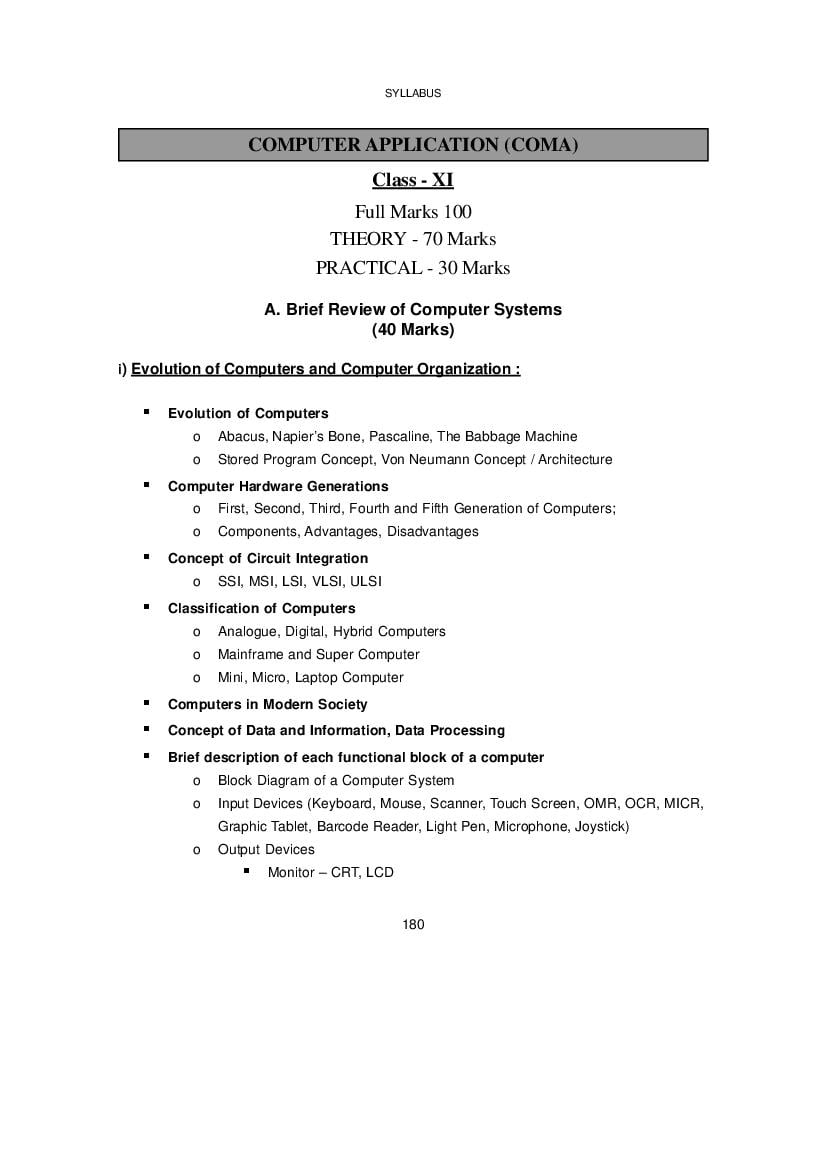
Class - XI
Full Marks 100
THEORY - 70 Marks
PRACTICAL - 30 Marks
A. Brief Review of Computer Systems
(40 Marks)
i) Evolution of Computers and Computer Organization :
Evolution of Computers
o Abacus, Napier’s Bone, Pascaline, The Babbage Machine
o Stored Program Concept, Von Neumann Concept / Architecture
Computer Hardware Generations
o First, Second, Third, Fourth and Fifth Generation of Computers;
o Components, Advantages, Disadvantages
Concept of Circuit Integration
o SSI, MSI, LSI, VLSI, ULSI
Classification of Computers
o Analogue, Digital, Hybrid Computers
o Mainframe and Super Computer
o Mini, Micro, Laptop Computer
Computers in Modern Society
Concept of Data and Information, Data Processing
Brief description of each functional block of a computer
o Block Diagram of a Computer System
o Input Devices (Keyboard, Mouse, Scanner, Touch Screen, OMR, OCR, MICR,
Graphic Tablet, Barcode Reader, Light Pen, Microphone, Joystick)
o Output Devices
Monitor – CRT, LCD
180
Page 2
(Inkjet Printer, Laser Printer)
Plotter
o Central Processing Unit : CU, ALU
o Storage Devices
Primary Memory : RAM (DRAM, SRAM), ROM (PROM, EPROM,
EEPROM, UVPROM)
Secondary Memory : Magnetic Media (HDD, FDD), Optical Media
(CD, DVD, Blue-Ray Disk)
Cache Memory
Flash Memory
o Communication Bus
System Bus – Address Bus, Data Bus, Control Bus, Power Bus
ii) Data Representation :
Number Systems
o Concept of Non-Positional Number System
Roman Number System
o Concept of Positional Number System
Decimal, Binary, Octal and Hexadecimal Number System
o Conversion
Inter-conversion between Decimal, Binary, Octal and Hexadecimal
Numbers (Whole numbers and Fractions, using Double Add and Half
Add Methods)
o Arithmetic
Addition, Subtraction – Decimal, Binary, Octal and Hexadecimal
Numbers
Multiplication, Division – Binary Number System only
o Different methods of Negative Number Representation
Signed Magnitude
One’s Complement
Two’s Complement
181
Page 3
Various Binary Coding Schemes
o BCD
o EBCDIC
o ASCII
o ISCII
Concept of Fixed and Floating Point Numbers
o Difference between fixed and floating point numbers
Bit map representation of images
Concept of Multimedia
iii) Boolean Algebra
Definition and postulates.
Boolean operations – OR, AND, NOT
Proof using identities and truth tables
De’ Morgan’s Theorems and Basic Principle of Duality
Deriving truth table from Boolean expression and vice versa
SOP and POS Expressions (Minterm and Maxterm expressions)
Canonical form of Boolean expressions and their complements
Simplifications
B. Software and Languages
(10 Marks)
Definition of Software
Programming Languages : Concepts of High Level, Low Level and Assembly language
Types of Software
182
Page 4
Translator – compiler, interpreter, assembler
Operating systems:
Definition and Function
Types of OS – Single User, Multi-user, Multiprogramming,
Multiprocessing, Time Sharing
Booting (cold and warm), Spooling, Buffering, Concept of Virtual
Memory
Directory and file Structure, Path and Pathname
Concept of GUI, CUI with examples
Using MS DOS (Commands and their use – DIR, MD, RD, CD,
COPY, CON, MOVE, REN, DEL, TYPE, MORE, ATTRIB, EDIT,
DATE, TIME, CLS)
Using MS Windows OS
Application Software (definition and example)
Utility Software (definition and example)
C. Programming using Visual Basic
(10 Marks)
Introduction to Visual Basic (Version 6 or compatible)
Getting familiar with VB user interface
o Standard exe, pull-down menus, toolbar, toolbox, project explorer, properties
window, form layout window, form immediate window, opening and closing
windows, resizing and moving windows, quitting VB
VB Tool Box
o Standard window controls, label, textbox, command-button, frame, check-
box, option-button, list-box, combo-box, picture box, timer control, shapes
o Basic properties of controls
Programming Fundamentals
o Date types in VB (integer, long, single, double, currency, string)
o Variable and Constants
183
Page 5
o Control Statements
Branching: If-Then-Else, Switch
Looping: For-Next, While, Do-While
Simple problem solving
D. Word Processing using MS Word
(MS Office 2007 or compatible)
(05 Marks)
Introduction to Word Processing
Creating, Opening, Editing and Saving a document
Copy, Cut, Paste operations
Page Setup, Headers and Footers
Formatting Texts, Paragraph, Page Borders
Inserting Clip-Art, Word-Art, Auto-Shapes, Picture, Symbol, Equation
Table insertion
Mail Merge
Macros
Spelling and Grammar check
Printer Setup and Document Printing
E. Power Point Presentation using MS Word
(MS Office 2007 or compatible)
(05 Marks)
Introduction of Power Point
Creating, Opening, Editing and Saving a PowerPoint presentation
Use of Wizards
184
Page 6
Formatting Texts
Inserting Clip-Art, Word-Art, Auto-Shapes, Picture
Applying slide-transition, applying animation to text and objects
Inserting sound and video-clips
Slide Show
Printing of slides
F. Practical
(30 Marks)
One program on Visual Basic (10 Marks)
Laboratory Copy (Minimum 10 programs) (5 Marks)
(Suggestive programs on VB are given below)
o To display a message using Label, Textbook, Message Dialogue
o To concatenate two text entries and display
o To perform a simple arithmetic operation (+,-,*,/) and display the result in message
dialogue or textbox
o To make simple decision making (IF statement) solution and display relevant
message (example: problems related to eligibility for a given value of age, profit/
loss messages for given values of cost price and sale price, grade display for
given values of marks of students etc.)
185
Page 7
operations together (Total, Average, Grade calculation of given set of marks,
salary calculations on different criteria)
o To create a simple GUI application to perform an operation based on the criteria
input by the user in a checkbox/radio button
(ex1: Find the discount of an item on the basis of category of item [electrical
appliance / electronic gadget/stationery specified using a radio button] and its
cost [below 1000/above 1000/equal 1000 specified using radio button])
(ex2: Calculate the incentive of a sales person on the basis of his sales amount,
customer feedback, count of customer specified using checkbox)
o To create a simple GUI application to change the properties of a control based
on the selection made by the user.
(ex1: To change the background/foreground colour of any of the controls of the
form based on the colour selected from a list)
(ex2: To change the background/foreground colour of a label based on the values
input/stored in a combo-box)
Use of MS Word – Same features as in Theory part (5 Marks)
Use of PowerPoint – Same features as in Theory part (5 Marks)
Viva Voce (5 Marks)
186
Document Details
| Board / Org | West Bengal Board |
| Exam | Class 11 |
| Type | Syllabus |
| Pages | 7 |
| Updated | 22 Jul 2026 |